After successfully registering as a provider in the Berlin Convention Finder, we kindly ask you to create your listing directly in both German and English. Please proceed as follows:
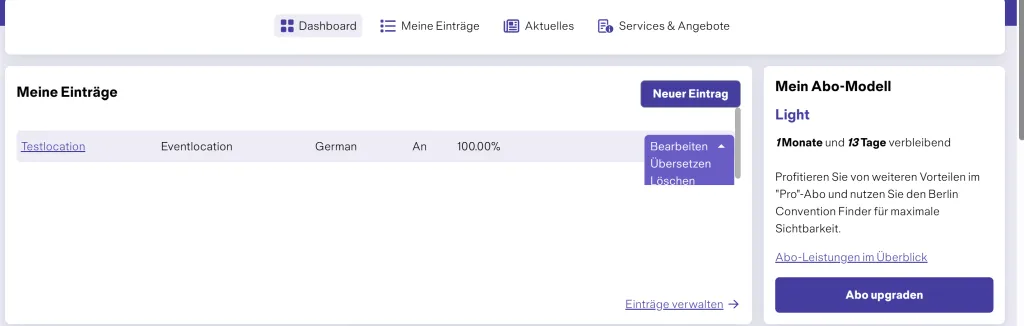
- Click on your email address in the top right-hand corner and select “My area”.
- In the dashboard, click on “New listing” to create your entry.
- Choose the category for which you would like to create the listing (event venue, conference hotel, service partner or incentive).
You will then be guided through five steps that lead to your completed listing. Your entries are automatically saved after each completed step, so no changes are lost. You can return to a previous step at any time.
Status of the subscription model
Depending on the subscription model you choose, different options for presenting your offerings are available to you in the Berlin Convention Finder. Character limits, the number of images and videos, the option to embed 360-degree tours, and the number of documents are displayed directly in the backend.
You can upgrade your subscription model at any time. An overview of the different models can be found at page "Become a supplier".
Step 1: General information
Enter your company’s address as well as the name of the service you would like to promote in the listing.
Example:
Name of the event venue: Berliner Tagungszentrum
Name of the provider: Max Mustermann GmbH
Once you have completed all general information, scroll down and click on “Save and continue”. You will then proceed to step 2.
Step 2: Texts and media
- Search engine optimised texts
Describe your offering in a way that convinces event planners of your services. We recommend writing your texts in an SEO-optimised way to increase your visibility on Google and make it easier to be found in search results. Please note the character limit permitted by your subscription model. The display below the input field shows how many characters you still have available.
- Short text (Meta Description)
The short text is a concise summary of your main description and is displayed as the meta description in Google search results. Keep it clear, meaningful and limited to a maximum of 200 characters. Highlight the key features of your offering.
- Sustainability commitment
Inform event planners about the measures you are implementing in the area of sustainability. Do you completely avoid plastic or use exclusively renewable energy? Great – tell us more!
- Logo
Upload your company logo in the designated field. Please make sure it is an official logo and not a photograph.
- Click on “Select file” to upload the logo.
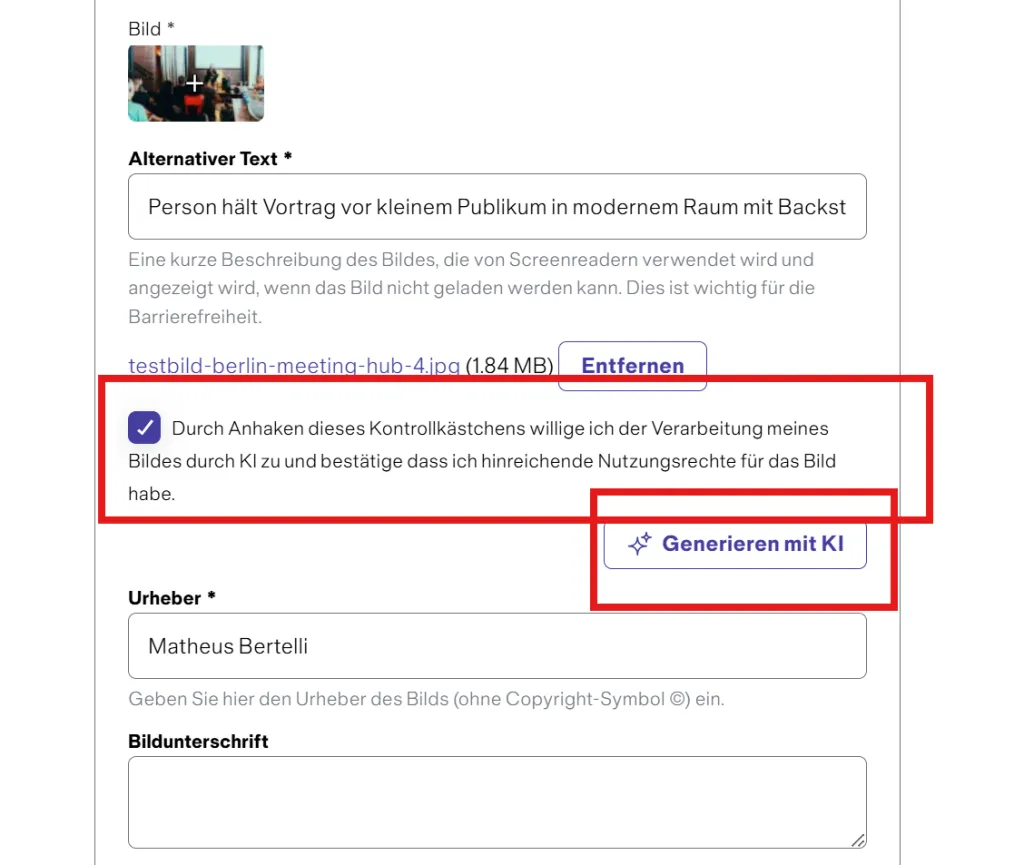
- Then enter the copyright details in the “Copyright” field and create an alt text. You can optionally use the AI function for this.
- Afterwards, click on “Create image” to complete the process.
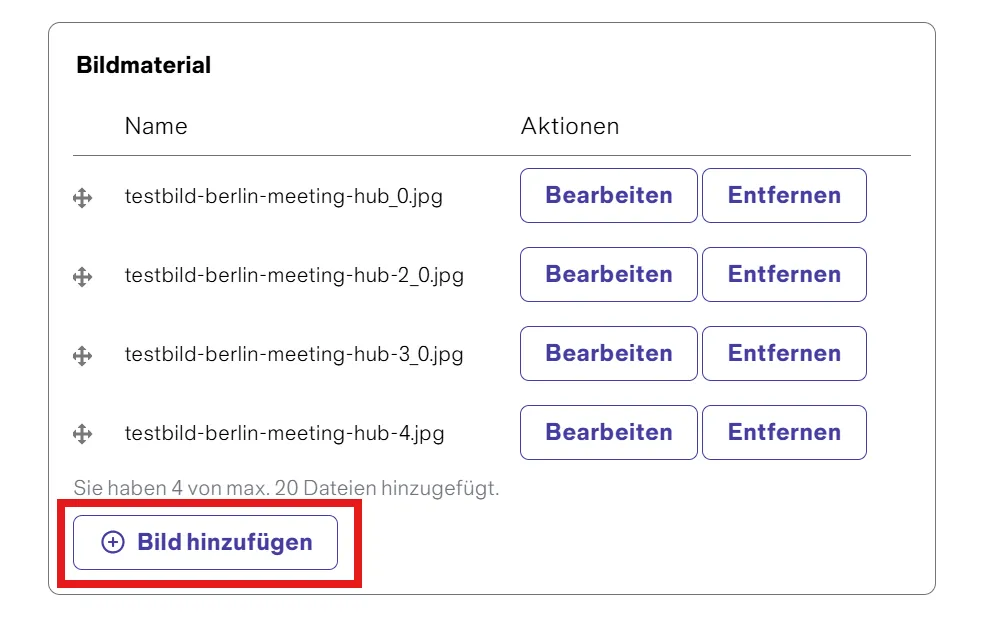
- Add images
Add high-resolution images to present your offering in the best possible way. Files of up to 5 MB are permitted in the formats png, gif, jpg, jpeg or webp.
- Click on “Add image” in the image section.
- Select an image from your computer.
- Wait until the image has been uploaded.